Deleted or lost PNG image? Recover it today!
PNG (Portable Network Graphics) is an image file format that was created to be used on the internet. It is a lossless compression format, which means that no data is lost during compression, unlike JPEGs which are lossy. PNG files are popular among users because of their high-quality images that do not degrade even after editing. However, like any other file type, PNG files can become lost, either through accidental deletion, formatting of a disk, virus attacks, or mechanical damage to the storage device. If this happens, there are several ways to recover lost PNG files.
Recover PNG
The first step to recover PNG files is to stop using the storage device where the files were located as soon as you realize they are lost. This is important because any data written on the device could overwrite the lost PNG files, making them unrecoverable. If you have recently deleted PNG files, you can easily recover them from the Recycle Bin. Open the Recycle Bin and look for the files there. If you find them, right-click on each file and select "Restore" to return them to their original location. If you have already emptied the Recycle Bin, there are data recovery software options available that can help you recover deleted files.
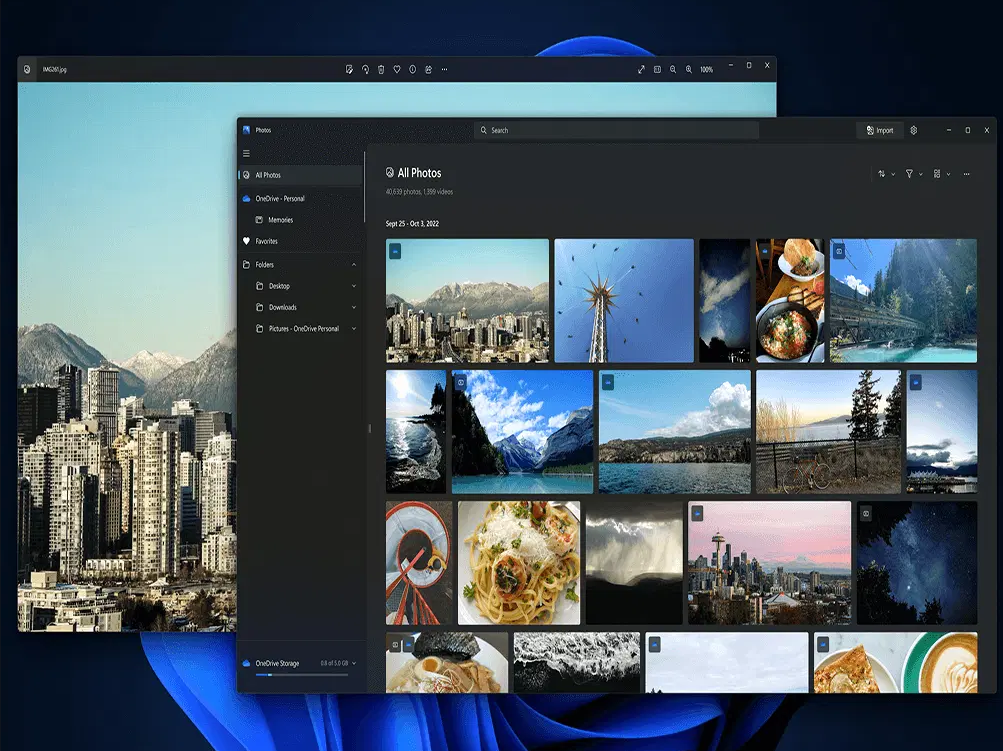
One of the best data recovery software options for recovering lost PNG images is DiskInternals Uneraser. The software is easy to use and allows you to recover files in Windows 10, 8, 7, and other operating systems. It works with various storage devices such as hard disks, flash drives, and memory cards. Additionally, the software allows you to try the free trial version before purchasing a license, and the preview function is free. You can make sure that the files will be recovered correctly before you buy the license.
PNG Recovery
To recover PNG files with DiskInternals Uneraser, you need to follow these instructions:
- Download and install the DiskInternals Uneraser software.
- Run the program and follow the installation instructions.
- After installation, select the disk where the lost PNG files were located and click "Next".
- Select the file type (in this case, PNG) and click "Next".
- Select the recovery mode (either fast or full) and click "Next".
- The software will then scan the selected disk and display the recoverable files.
- Select the PNG files you want to recover and click "Next".
- Choose the location where you want to save the recovered files and click "Next".
- The software will then start recovering the PNG files, and you can monitor the progress.
- Once the recovery is complete, you can open the recovered files and confirm that they are the files you wanted to recover.
In conclusion, PNG files are an excellent image format for the internet. However, they can become lost due to various reasons, including accidental deletion, formatting of a disk, virus attacks, or mechanical damage to the storage device. If this happens, you can use data recovery software such as DiskInternals Uneraser to recover the lost PNG files. Remember to stop using the storage device as soon as you realize that the files are lost, and to try and recover the files as soon as possible to increase the chances of successful recovery.
