Best USB Format Tool (Top 9)
There are several programs available that allow users to format a USB drive, which involves deleting all of the data stored on the drive and potentially adding new files to the device. However, when looking for the best program to use, it's important to choose from a streamlined list that includes only the most reliable and effective tools. In this article, we have compiled a list of the best USB format tools that can be used on Windows computers. This list includes both free and paid software tools for formatting USB drives. Formatting a USB drive can be a useful solution for getting the drive working again after it becomes corrupted, or if you need to set up a new file system.
Best USB Formatter
A USB format tool is a software application or program that enables users to format a USB device successfully. Universal Serial Bus (USB) devices are portable external devices that can be connected to a wide range of systems and devices, such as PCs, desktops, mobile phones, media players, cameras, and other devices. The FAT32 file system is the default file system on most USB devices since they are pre-formatted with it. However, to be able to save data on a new USB drive, users may need to re-format it to a different file system depending on their computer system or device.
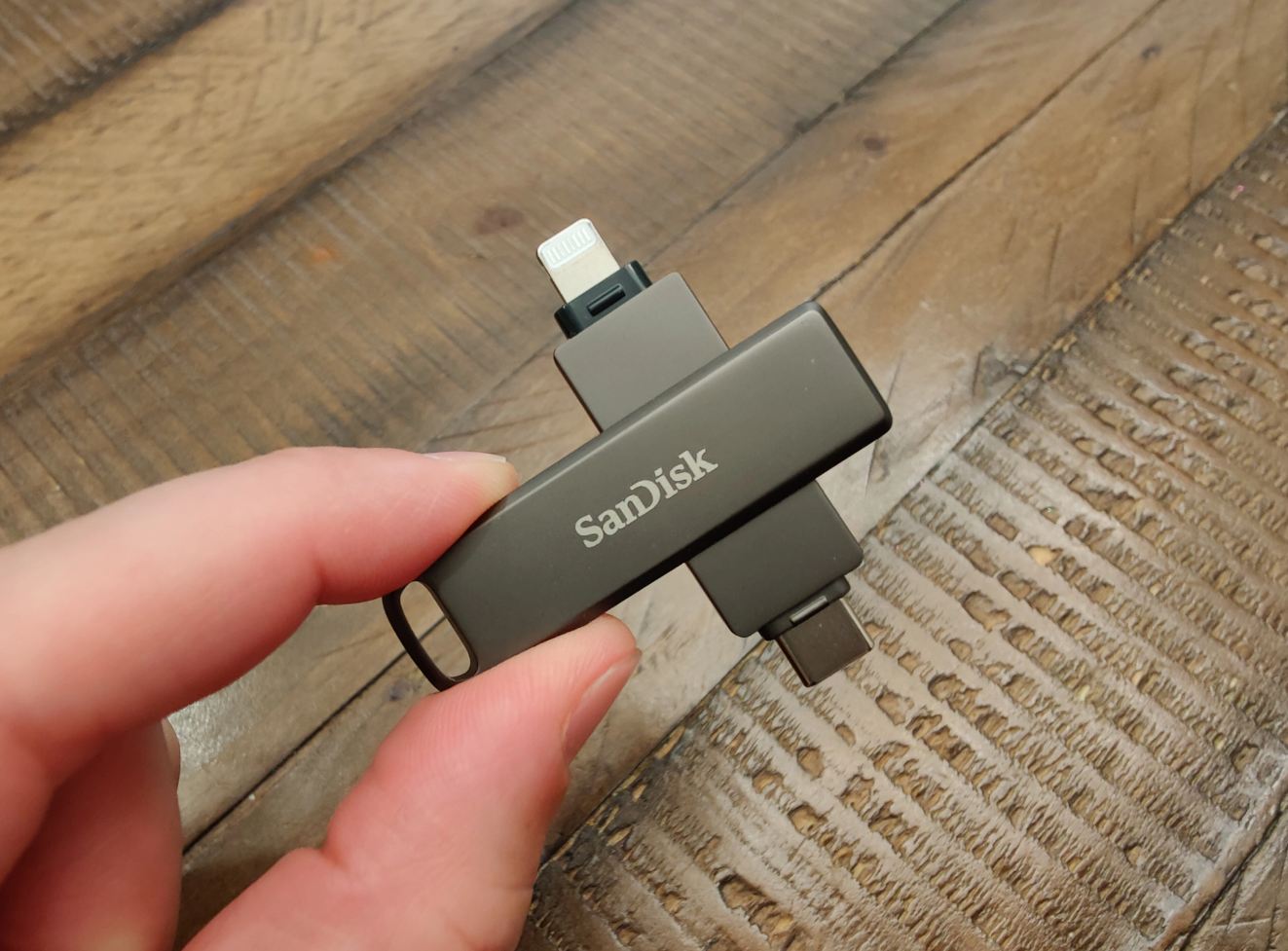
Formatting is the technical process of deleting everything stored on a storage media/drive/device to change the file system format, add new partitions, or return it to a default state. When a drive is formatted, everything inside is deleted. To recover formatted data, users will need a professional data recovery program.
Although formatting a USB drive may seem simple, it's actually not that simple. If a USB disk is not formatted correctly, it could become irreparably damaged. Additionally, some USB devices that are "write-protected" can prevent users from formatting them correctly. These are some typical problems that users could run across while attempting to format a USB device.
Best Format Tool For USB Drive
There are several USB format tools available, but not all of them are equally reliable or effective. In this article, we have compiled a list of the best USB format tools for Windows 11/10/8/7/XP users. This list includes:
-
DiskInternals Uneraser Format and Recovery Tool: Uneraser is not primarily a USB format tool, but rather a data recovery tool that helps users recover files from USB devices, irrespective of the drive’s file system. DiskInternals Uneraser supports all known file system formats and can easily recover data. After the recovery, Uneraser sets the USB drive to its default file system. This app is handy when users forget to back up files and data stored on a USB drive before formatting it. With DiskInternals Uneraser, users can recover data from a formatted USB drive, back up the files, and re-format the USB drive to their preferred file system. DiskInternals Uneraser is intuitive and easy to use, featuring an integrated recovery wizard, and an interface that looks much similar to that of Windows File Explorer.
-
HP USB Disk Storage Format tool: This is a free application for computers running Windows OS 7 or newer versions. It is easy to use and can help users format any type of storage disk (internal and external), despite the name suggesting that it is intended only for use with HP systems. This tool supports FAT32, exFAT, and NTFS file systems, and comes in handy when users are unable to successfully format a USB drive using the Windows default format tool. Moreover, this tool lets users create bootable USB drives with its “Create a DOS startup disk” feature.
-
IM-Magic Partition Resizer: This is a multi-feature program for handling external drives that helps users format or resize USB drive partitions. IM-Magic Partition Resizer is free to download
-
EaseUS Partition Master is a comprehensive software program that offers a range of features for disk management, including formatting USB drives. It supports various file system formats, including FAT32, NTFS, EXT3, and more. It also offers other useful features such as partitioning, resizing, and moving partitions.
-
AOMEI Partition Assistant is another reliable tool for formatting USB drives on Windows. It supports various file system formats, including FAT32, NTFS, exFAT, and more. The app also offers features like partition resizing, disk cloning, and data migration.
-
MiniTool Partition Wizard is a powerful tool for managing disks and partitions on Windows computers. It supports various file system formats, including FAT32, NTFS, exFAT, and more. The app also offers features like disk cloning, data recovery, and partition merging.
-
Rufus is a multi-feature utility that works for many actions, which include formatting USB drives and creating bootable USB flash drives. It is a software program you can run on different operating systems: Windows, Linux, UEFI, and others. With all the features packed into the program, Rufus is lightweight.
-
Martik USB Disk Formatter is a notable USB format tool for Windows. However, it is recommended to log in to the “Administrator” account on your computer system to run this app. This tool can format USB drives to FAT32 or NTFS file systems, and it can also be used to change drive names.
-
SmartDisk FAT32 Format Utility is available for free, you are not paying for anything, yet it can help you format any USB flash drive you have. This formatting tool only works to format USB drives in the FAT32 file system; so, if you’re looking to change your USB drive’s file system, this may not be the right tool to use.
