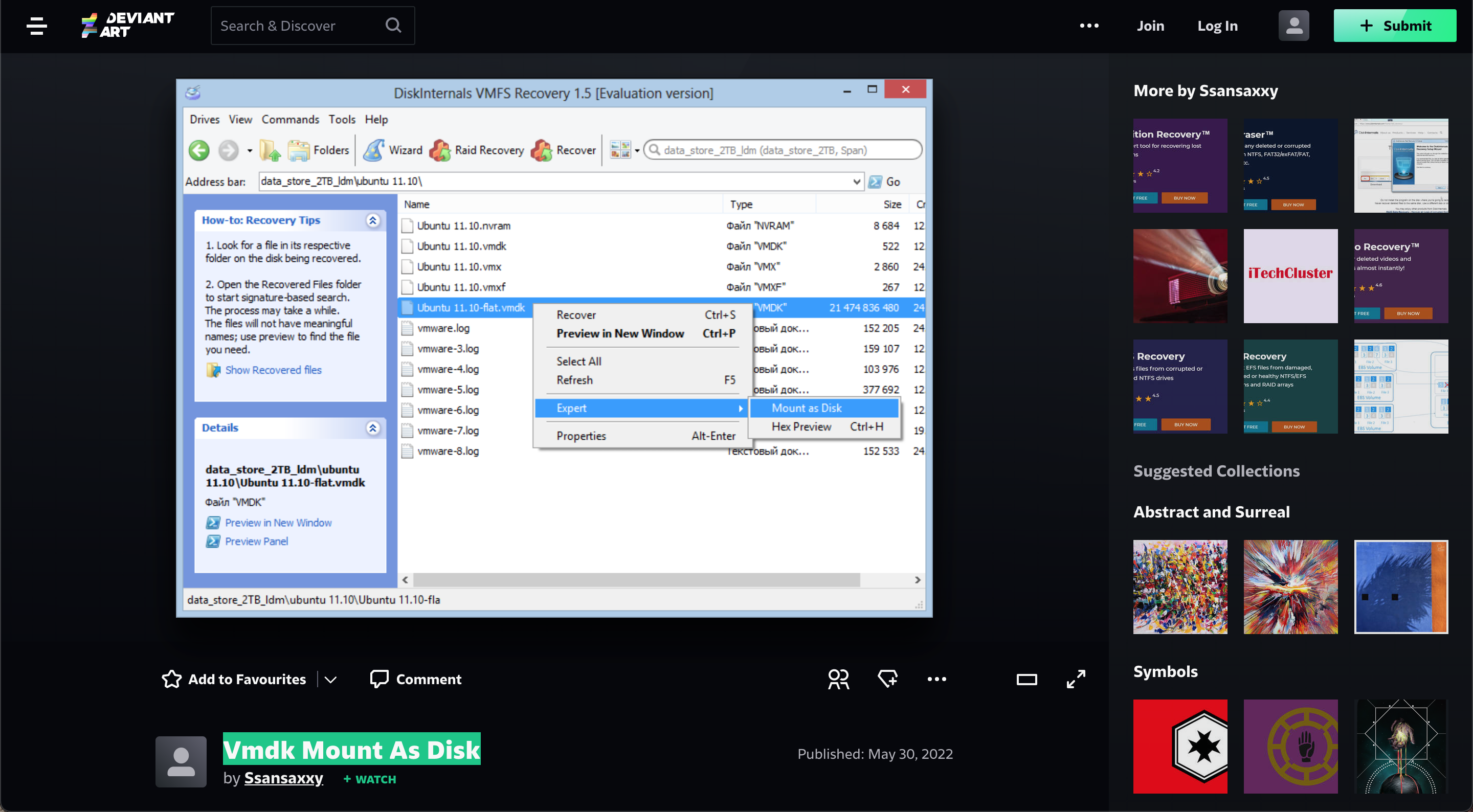
What to do in case of Vmdk mount as disk
A VM may not be able to start, but you may need to access data saved on a virtual disk utilized by the VM.
About this issue
This condition might arise as a result of failed program installations, operating system updates, virus assaults, or inadvertent file deletion, among other things. You may access the content of VMDK virtual disk files using a variety of techniques.
How to access your data?
The approaches that may be employed if a VMDK virtual disk is not encrypted or corrupted are covered in today's blog article. Another method must be used if a VMDK file is encrypted or corrupted. Learn more here.
