Unallocated partition recovery
An unallocated partition is a space on a hard drive that has not been assigned to any specific file system or storage volume. This space can occur due to a variety of reasons, including new hard drive installations, partition resizing, or accidental deletion of a partition.
While it may seem like wasted space, unallocated partitions can be utilized in a variety of ways. One option is to create a new partition within the unallocated space, which can be used for additional storage or a new operating system installation. Another option is to extend an existing partition into the unallocated space, effectively increasing the storage capacity of that partition.
Unallocated Partition Recovery
To create a new partition in the unallocated space, users can utilize partition management tools such as Disk Management in Windows or Disk Utility in macOS. These tools allow users to create new partitions and assign file systems to them, enabling them to store and access data just like any other partition on the hard drive.
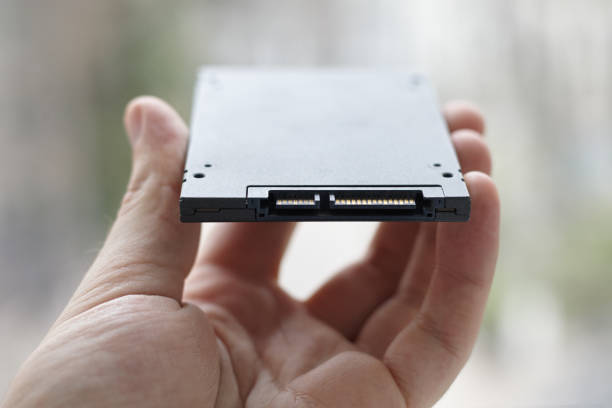
Extending an existing partition into the unallocated space can also be done through partition management tools. However, it's important to note that extending a partition may result in data loss if not done correctly. It's always recommended to backup important data before making any changes to partitions.
Recover Unallocated Partition
In some cases, unallocated partitions may indicate a problem with the hard drive. For example, if the unallocated space appears suddenly without any apparent cause, it could be a sign of a failing hard drive. In such cases, it's recommended to perform a full backup of the hard drive and seek professional assistance.
Overall, unallocated partitions are a common occurrence on hard drives and can be used to increase storage capacity or install new operating systems. However, it's important to approach any changes to partitions with caution and always backup important data beforehand.
