Recover files from virus infected USB Pen Drive
Safely Recover Files from a Virus-Infected USB Pen Drive with DiskInternals
A virus infection on a USB pen drive can be a nightmare, potentially leading to data loss and system damage. However, with the right tools and approach, you can effectively recover your files and restore your pen drive's functionality. In this article, we will explore how to safely recover files from a virus-infected USB pen drive using DiskInternals, a reliable data recovery software.
What is DiskInternals?
DiskInternals is a reputable data recovery software that specializes in retrieving lost, deleted, or corrupted files from various storage media, including USB pen drives. It offers a user-friendly interface and powerful recovery algorithms that enable efficient retrieval of your valuable data.
Step-by-Step Guide to Recover Files from a Virus-Infected USB Pen Drive
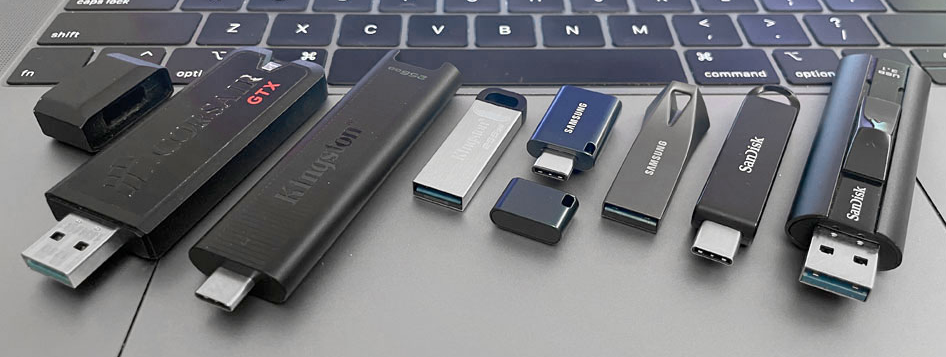
Step 1: Disconnect and scan the infected USB pen drive
The first step is to disconnect the infected USB pen drive from your computer to prevent the virus from spreading further. Ensure that you have DiskInternals installed on your system and launch the application. Then, connect the infected pen drive to your computer and select it within DiskInternals to start the scanning process.
Step 2: Perform a thorough scan
DiskInternals offers different scanning modes to choose from. For virus-infected pen drives, it is recommended to select the "Full Scan" option. This mode thoroughly examines the drive, including its file system and any deleted or hidden files.
Step 3: Preview and select the files for recovery
After the scanning process is complete, DiskInternals presents you with a comprehensive list of recoverable files. You can preview the files to ensure their integrity before proceeding. DiskInternals supports various file formats, including documents, photos, videos, and more.
Step 4: Recover the files
Once you have identified the files you wish to recover, select them and click on the "Recover" button within DiskInternals. Choose a safe location on your computer's hard drive or a different external storage device to store the recovered files. It is essential to avoid saving them directly back to the infected pen drive to prevent overwriting any remaining data or potential reinfection.
Step 5: Scan and clean the pen drive
Before reconnecting the pen drive to your computer, it is crucial to thoroughly scan and clean it to eliminate any remaining viruses or malware. You can use reliable antivirus software or Windows Defender to perform a deep scan and ensure the complete removal of any potential threats.
Step 6: Reformat the pen drive (optional)
If the virus infection has severely damaged the file system or the pen drive remains unreliable, you may consider reformatting it. However, bear in mind that reformatting will erase all existing data, so only proceed with this step if you have successfully recovered your files and have no other viable options.
Conclusion
Recovering files from a virus-infected USB pen drive can be a challenging task, but with the right approach and tools like DiskInternals, you can safely retrieve your valuable data. Remember to disconnect the infected pen drive, perform a thorough scan, preview the recoverable files, and select a secure location for data recovery. Afterward, ensure your pen drive is free of any viruses before reconnecting it to your computer. By following these steps, you can mitigate data loss and regain control over your infected USB pen drive.
