Windows updates are crucial to ensure that your computer operates efficiently, as they add new features and fix bugs found in the previous version of your Windows OS. However, sometimes updating your Windows OS can cause unexpected issues, including loss of files and important data. If you notice that your files are missing after installing a Windows update, there are several tips you can follow to recover them.
Files deleted after Windows update
There are various reasons why Windows 10 updates may delete files. Firstly, despite being designed to fix bugs and errors, not all updates are perfect, and some of them may also be buggy. In some cases, Microsoft releases a Windows OS update and quickly releases another one to fix bugs in the previous update, indicating that not all Windows OS updates are perfect.
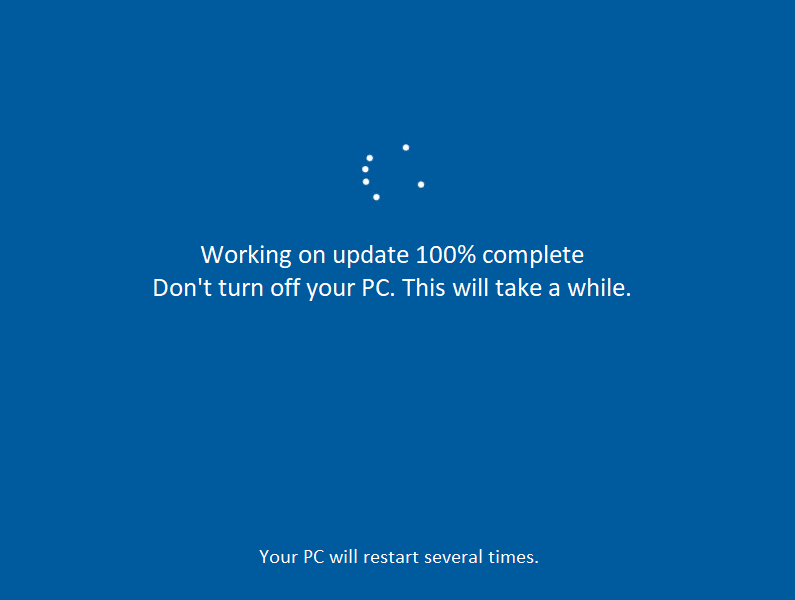
Secondly, updates may run in the background, downloading and installing without your approval. In such scenarios, a buggy update file may automatically install, causing file integrity issues and leading to loss of files. To prevent this, you need to stop Windows updates from running automatically.
Windows update lost files
Fortunately, there are several ways to recover lost data after a Windows 10 update. You can use the built-in Backup and Restore feature on Windows 10, which lets you backup and restore files just like a data backup software program. Another option is to sign out of your account and wait a few minutes or hours before signing back in. The most reliable and straightforward method is to use data recovery software, such as DiskInternals Partition Recovery, which allows you to recover all file types and read all file systems. It runs on all Windows OS versions and has an intuitive interface that anyone can easily understand.
