Recover CF card
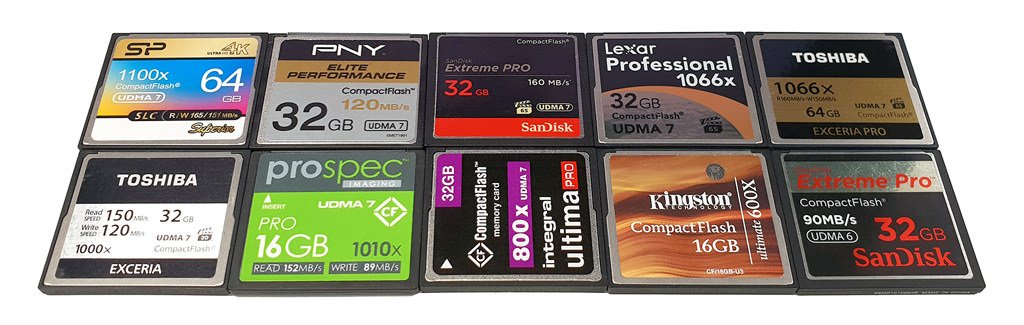
Compact Flash (CF) cards are popular storage media used in digital cameras and other electronic devices. They provide ample storage space and fast read and write speeds, making them ideal for professionals and enthusiasts alike. However, like any other storage medium, CF cards are not immune to data loss, corruption, or accidental deletion.
CF recovery
Losing important data can be devastating, especially when you don't have a backup. Fortunately, there are ways to recover data from your CF card. In this article, we'll show you how to recover CF card data using various methods.
Compact Flash Recover
DiskInternals Uneraser is a data recovery program that can help you recover lost, deleted, or formatted files from your CF card. It uses advanced algorithms to scan your storage device and locate recoverable data. Here's how to use DiskInternals Uneraser to recover data from your CF card:
- Download and install DiskInternals Uneraser on your computer.
- Connect your CF card to your computer using a card reader.
- Launch DiskInternals Uneraser and select your CF card from the list of available storage devices.
- Click on the "Scan" button to start the scanning process.
- Once the scanning is complete, select the files you want to recover and click on the "Recover" button.
- Choose a location on your computer to save the recovered files.
