Hyper-V Integration Services are a collection of software services that enhance the functionality and productivity of a virtual environment by enabling improved communication between the host server and virtual machines (VMs). With each Hyper-V service having specific functions aimed at enhancing guest operating system performance, these integrated services offer various benefits, such as safe system shutdowns, time synchronization, Hyper-V key exchange, heartbeat monitoring, volume shadow copying, and guest services.
Hyper-V integrated services
In recent versions of Windows operating systems, Hyper-V Integration Services are enabled by default, and necessary upgrades can be downloaded and installed automatically using Windows Update.
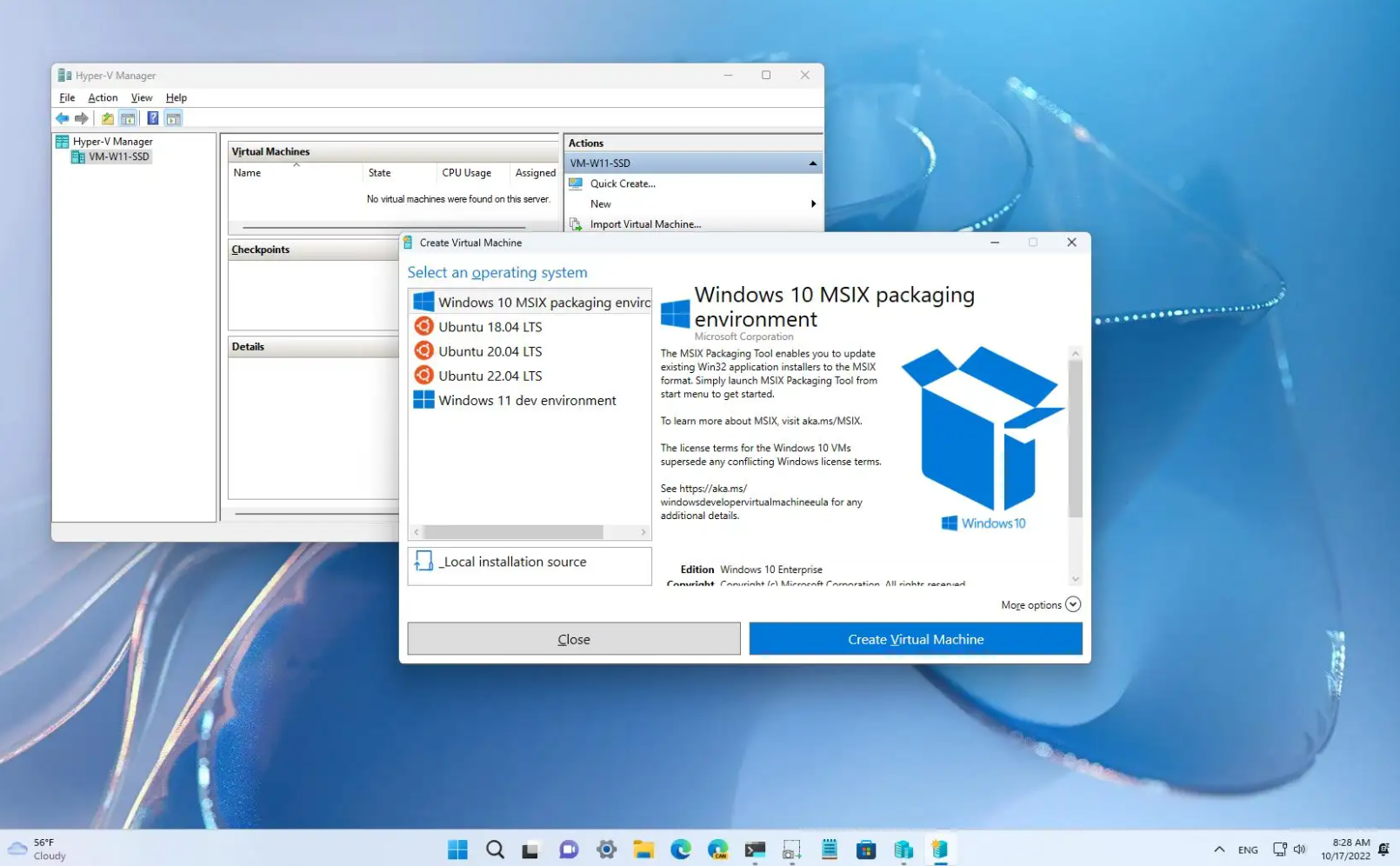
This automation simplifies the management of the services, as Hyper-V Integration Services no longer need to be manually deployed or updated on each guest operating system. Through PowerShell cmdlets or Hyper-V Manager, the services can be turned on and off as required. Administering Hyper-V Integration Services on both the host server and guest operating systems is essential for proper communication.
Hyper-V integrated services in VM
To enable or stop Hyper-V Integration Services, several options are available, such as using the "Services" option in the Start menu search box, running PowerShell with administrator rights, or using certain commands. When using PowerShell, the cmdlet "Get-VMIntegrationService" can be used to identify active Hyper-V Integration Services, and "REG QUERY "HKLM\Software\Microsoft\Virtual Machine\Auto" /v IntegrationServicesVersion" to determine their version. Integration services can also be turned on and off using PowerShell by using the "Set-VMIntegrationService" command.
In summary, Hyper-V Integration Services provide an improved virtual environment by improving communication between the host server and virtual machines, resulting in enhanced functionality and productivity. While administering the services on both the host server and guest operating system can be done using various options, PowerShell cmdlets and Hyper-V Manager offer quick and effective solutions.
