How to recover permanently deleted screenshots on iPhone
Screenshots can be a valuable tool for capturing information or preserving memories on your iPhone. However, accidentally deleting screenshots or losing them due to a technical issue can be frustrating. If you have lost your screenshots due to a permanent deletion, don't worry - there are ways to recover them. In this article, we'll guide you through how to recover permanently deleted screenshots on iPhone.
Recover deleted screenshots
Step 1: Check Recently Deleted Folder
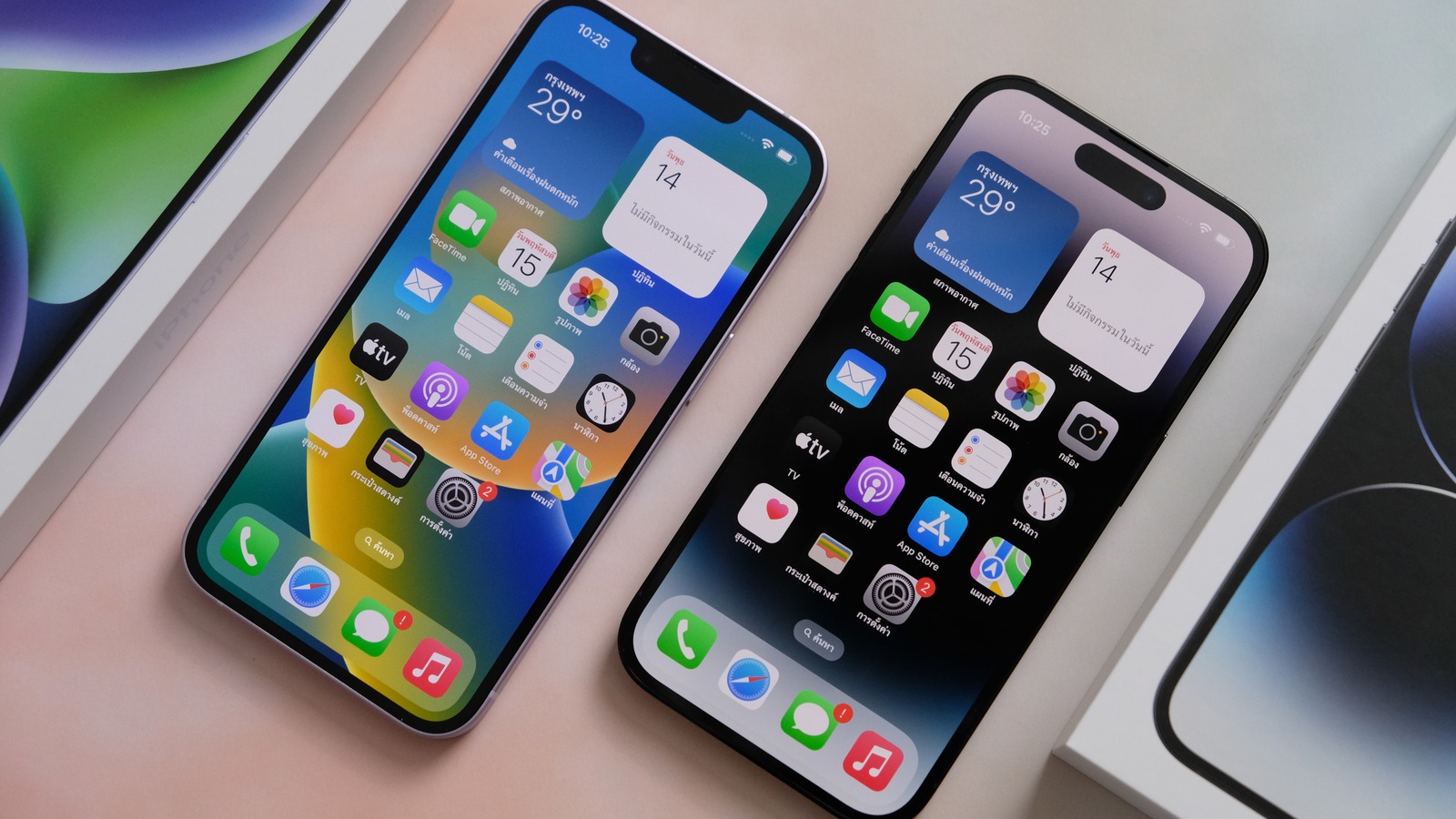
The first place to check for your deleted screenshots is the "Recently Deleted" folder on your iPhone. This folder holds all the deleted files for a period of 30 days before permanently deleting them. To check the folder, open the "Photos" app on your iPhone, navigate to the "Albums" tab, and select "Recently Deleted" folder. If your deleted screenshots are still in this folder, select them, and click on "Recover" to restore them to your iPhone.
Step 2: Use iCloud Backup
If your screenshots were not found in the Recently Deleted folder, the next step is to check if you have an iCloud backup. iCloud is a cloud storage service provided by Apple that automatically backs up your iPhone data, including your photos, to the cloud. If you have an iCloud backup that includes your lost screenshots, you can restore them from there.
To check if you have an iCloud backup, go to the "Settings" app on your iPhone, select your name, then select "iCloud." Here, you will see if you have an iCloud backup and the date it was last backed up. If you have a recent backup that includes your lost screenshots, you can restore your iPhone from the backup by going to "Settings" > "General" > "Reset" > "Erase All Content and Settings." After your iPhone has been erased, select "Restore from iCloud Backup" and select the backup that includes your lost screenshots.
How to retrieve a screenshot
Step 3: Use a Data Recovery Tool
If your screenshots were permanently deleted and you don't have a backup, you can use a third-party data recovery tool to recover them. There are many data recovery tools available online that can help you recover deleted files from your iPhone.
One such tool is Dr.Fone - Data Recovery (iOS), which is a user-friendly data recovery software. To use this tool, download and install it on your computer, connect your iPhone to the computer using a USB cable, and launch the software. Select "Data Recovery" from the menu and choose the "Recover from iOS Device" option. The software will scan your iPhone and display all the deleted files, including your lost screenshots. Select the screenshots you want to recover and click on the "Recover" button to save them to your computer.
In conclusion, losing important screenshots can be a frustrating experience, but with the right tools and methods, you can recover them. Check your Recently Deleted folder first, then your iCloud backup. If none of those options work, consider using a data recovery tool like Dr.Fone - Data Recovery (iOS). With a bit of patience and persistence, you can recover your permanently deleted screenshots and enjoy them once again.
