How to Recover Deleted Folders in Windows?
Organizing your files and data using folders is a great way to keep everything in order. You can create different folders for different types of files, such as music, videos, business documents, and so on. However, it's important to understand that folders are just as vulnerable as files to accidental deletion or loss.
How to recover deleted folfer
When a folder is deleted, the system removes the reference data that makes it readable by the operating system, relegating it to an "unimportant" sector of the hard drive.
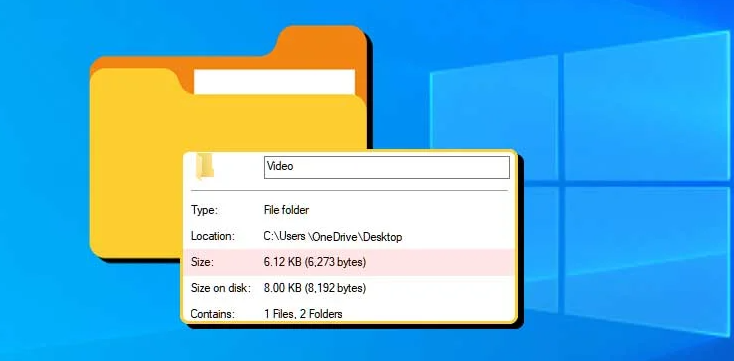
But, deleted folders and files can still be recovered if you act quickly before they get overwritten.
Recover deleted folder Windows 10
If you've accidentally deleted a folder, you can try looking for it on your Windows computer using the search bar or File Explorer. If you still can't find it, there are several ways to recover it, including restoring from a Windows backup, using the "Previous Version" feature on Windows 10, checking the Recycle Bin, or retrieving it from a backup location such as an external drive or cloud storage. By following these steps, you can recover your deleted folders and the files they contain.
